

Figures
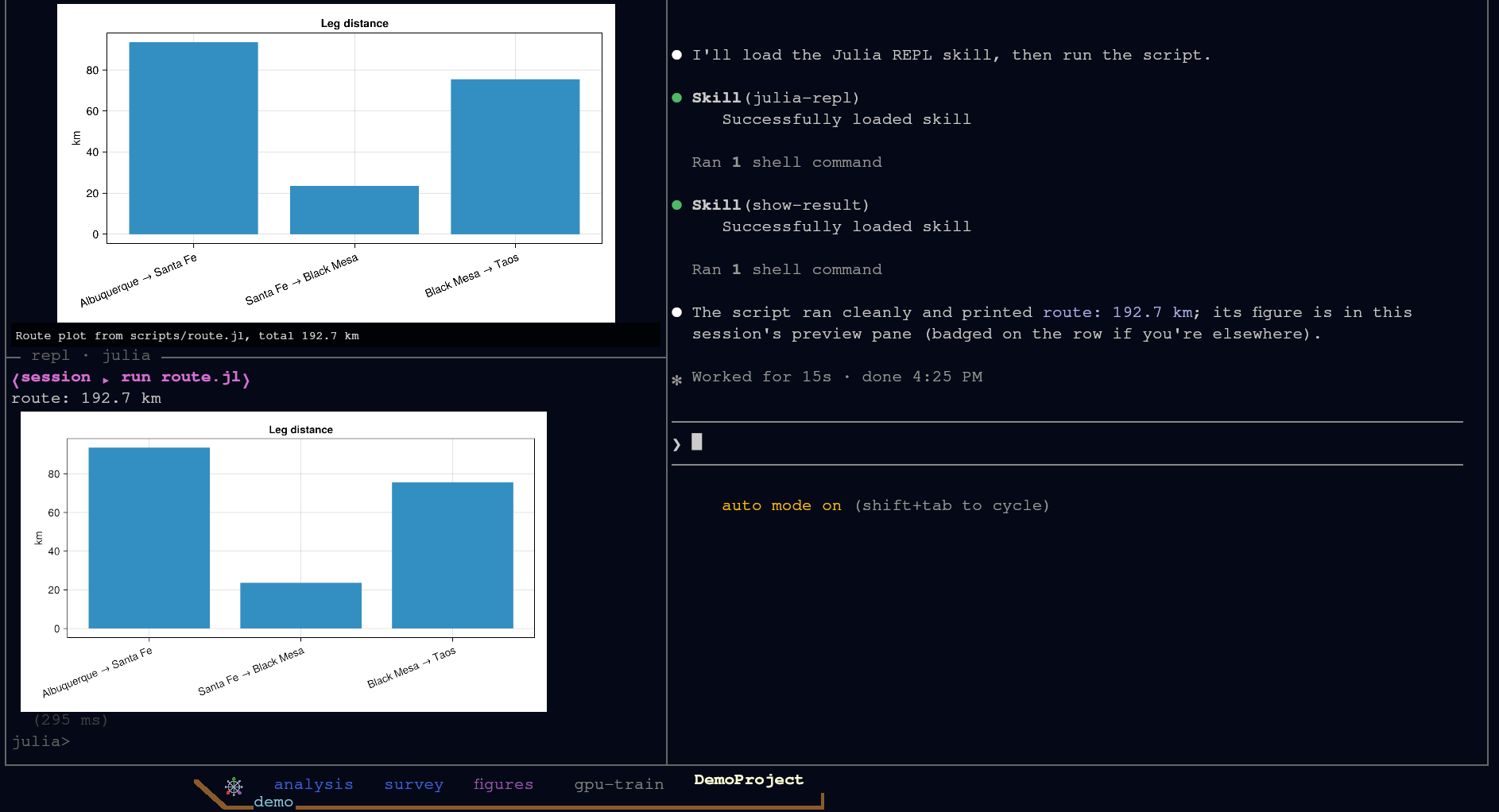
A figure is the point of most scientific Julia code, so Ship of Tools treats figures as first-class output: they land in the window, drawn by the app's own renderer, and interactive ones open in your real browser — whether the backend is on your laptop or on a GPU server.
Inline, from the REPL
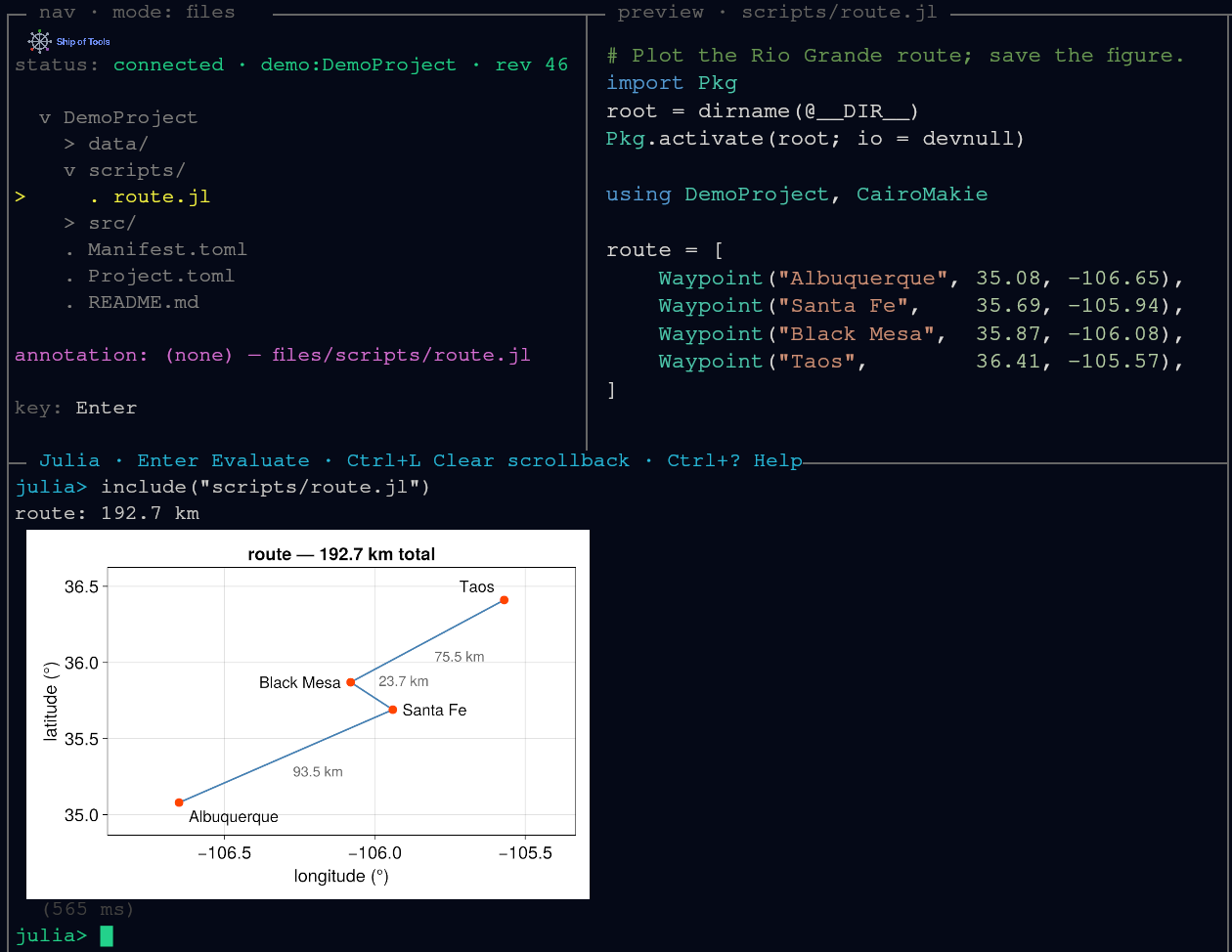
When the last expression in the REPL is showable as an image — a CairoMakie Figure, a Plots.Plot, or anything with a show(io, MIME"image/png"(), x) method — the REPL emits an image frame and the frontend paints it into the window. It is never squeezed through a terminal graphics protocol (sixel, kitty, half-blocks).
using CairoMakie
fig = Figure(); ax = Axis(fig[1, 1])
lines!(ax, 0:0.01:2π, sin)
fig
On a Linux backend GLMakie works too when the REPL has a display of its own (an Xvfb; see The REPL says it has no display of its own), and its figure arrives as an image the same way. See The REPL for how code gets there.
Saved figures, in the preview pane
A PNG or SVG the agent (or your script) writes to disk previews in the preview pane as you cursor over it in Files mode. Zooming, panning and cropping a region to hand to the agent are in Previews.
Interactive 3-D: wglshow
Static plots render inline; a figure you want to rotate belongs in a browser. Call wglshow on a WGLMakie figure:
using WGLMakie
wglshow(surface(-10:0.4:10, -10:0.4:10, (x, y) -> sin(sqrt(x^2 + y^2));
                axis = (; type = Axis3)))
The figure opens in your OS browser, and pan, zoom and rotate work the same with a local or a remote backend: the daemon serves the page and your window relays it to the browser, with no setup (see Transport). With several windows attached it opens in one, the window in use; see A second frontend. Once WGLMakie is loaded, plain display(fig) on a Makie figure does the same. WGLMakie and Bonito come from your project environment (using WGLMakie first; wglshow needs Bonito 5.1 or a later 5.x); Ship of Tools adds no plotting dependency of its own.
Pluto notebooks
A Pluto notebook in your project previews as highlighted source in the pane; open it and it runs as a live Pluto session in your browser — on the backend host, next to your data. Quarto documents and HTML follow the same rule: source in the pane, the rich rendered form in the browser. See Previews.