

Figures
A figure is the point of most scientific Julia code, so Ship of Tools treats figures as first-class output: they land in the window, drawn by the app's own renderer, and interactive ones open in your real browser — whether the backend is on your laptop or on a GPU server.
Inline, from the REPL
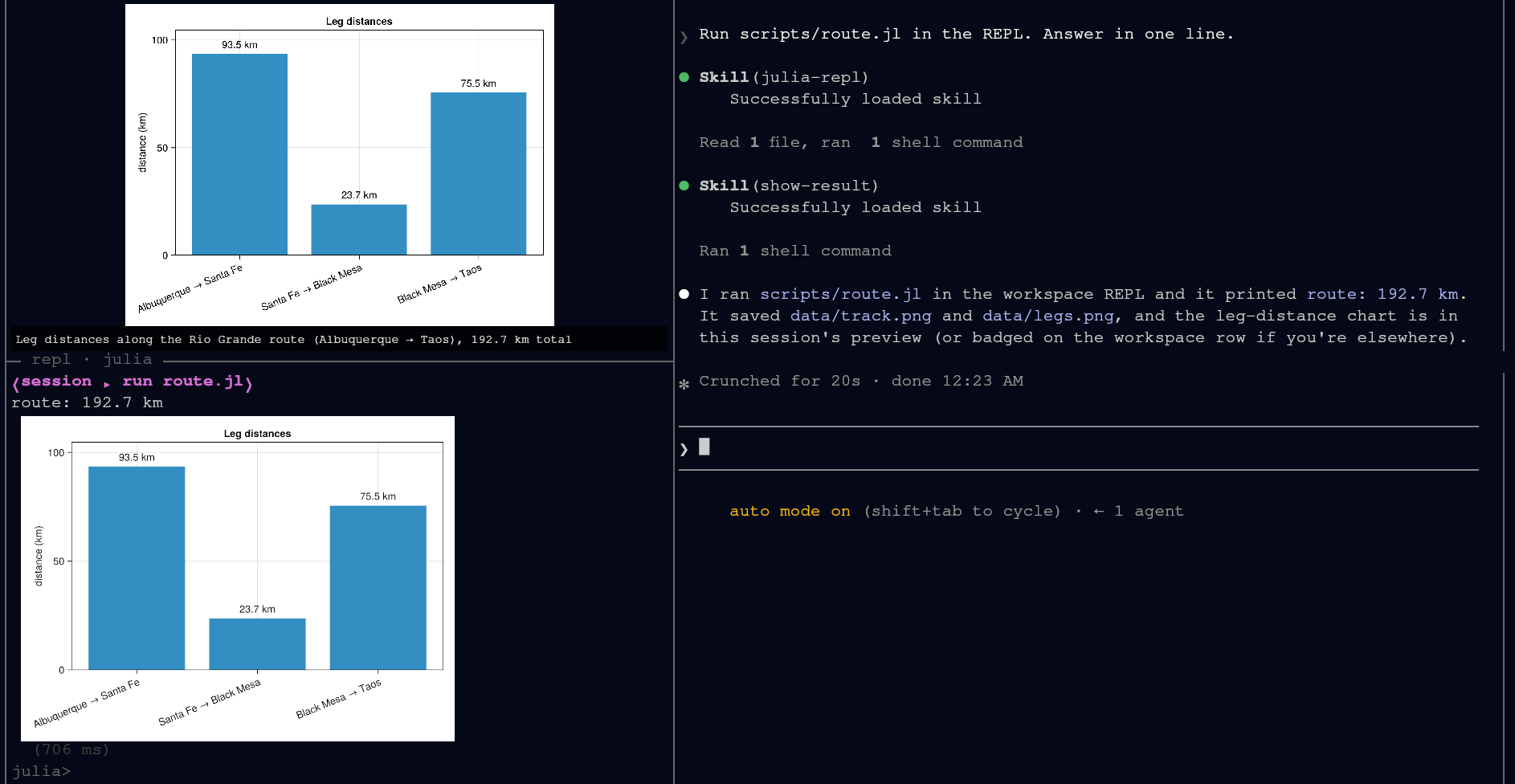
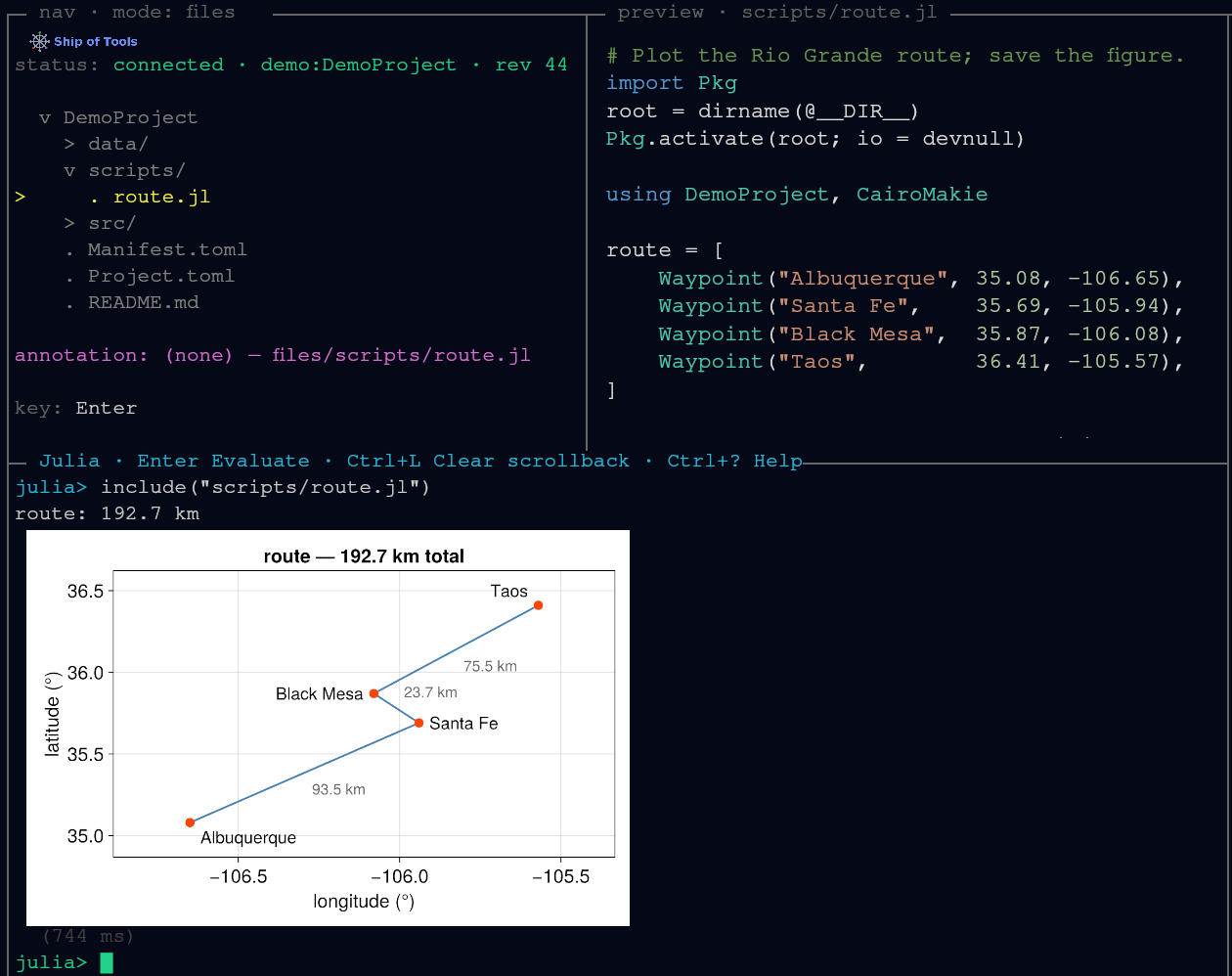
When the last expression in the REPL is showable as an image — a CairoMakie Figure, a Plots.Plot, or anything with a show(io, MIME"image/png"(), x) method — the REPL emits an image frame and the frontend paints it into the window. It is never squeezed through a terminal graphics protocol (sixel, kitty, half-blocks).
using CairoMakie
fig = Figure(); ax = Axis(fig[1, 1])
lines!(ax, 0:0.01:2π, sin)
fig
See The REPL for how code gets there.
Saved figures, in the preview pane
A PNG the agent (or your script) writes to disk previews in the preview pane as you cursor over it in Files mode. Zoom into any image preview and pan around; same-size figures in one directory share the zoom and pan, so stepping through a run's plots keeps your framing instead of resetting it each time.
To point the agent at what you are looking at, zoom in and press c: the visible region is cropped from the source image and handed to the agent in your session.
Interactive 3-D: wglshow
Static plots render inline; a figure you want to rotate belongs in a browser. Call wglshow on a WGLMakie figure:
using WGLMakie
wglshow(surface(-10:0.4:10, -10:0.4:10, (x, y) -> sin(sqrt(x^2 + y^2));
                axis = (; type = Axis3)))
The figure opens in your OS browser, and pan, zoom and rotate work the same with a local or a remote backend: the page and its WebSocket ride the existing control connection. WGLMakie and Bonito come from your project environment (using WGLMakie first); Ship of Tools adds no plotting dependency of its own.
Pluto notebooks
A Pluto notebook in your project previews as highlighted source in the pane; open it and it runs as a live Pluto session in your browser — on the backend host, next to your data — over the same connection. Quarto documents and HTML follow the same rule: source in the pane, the rich rendered form in the browser. See Previews.